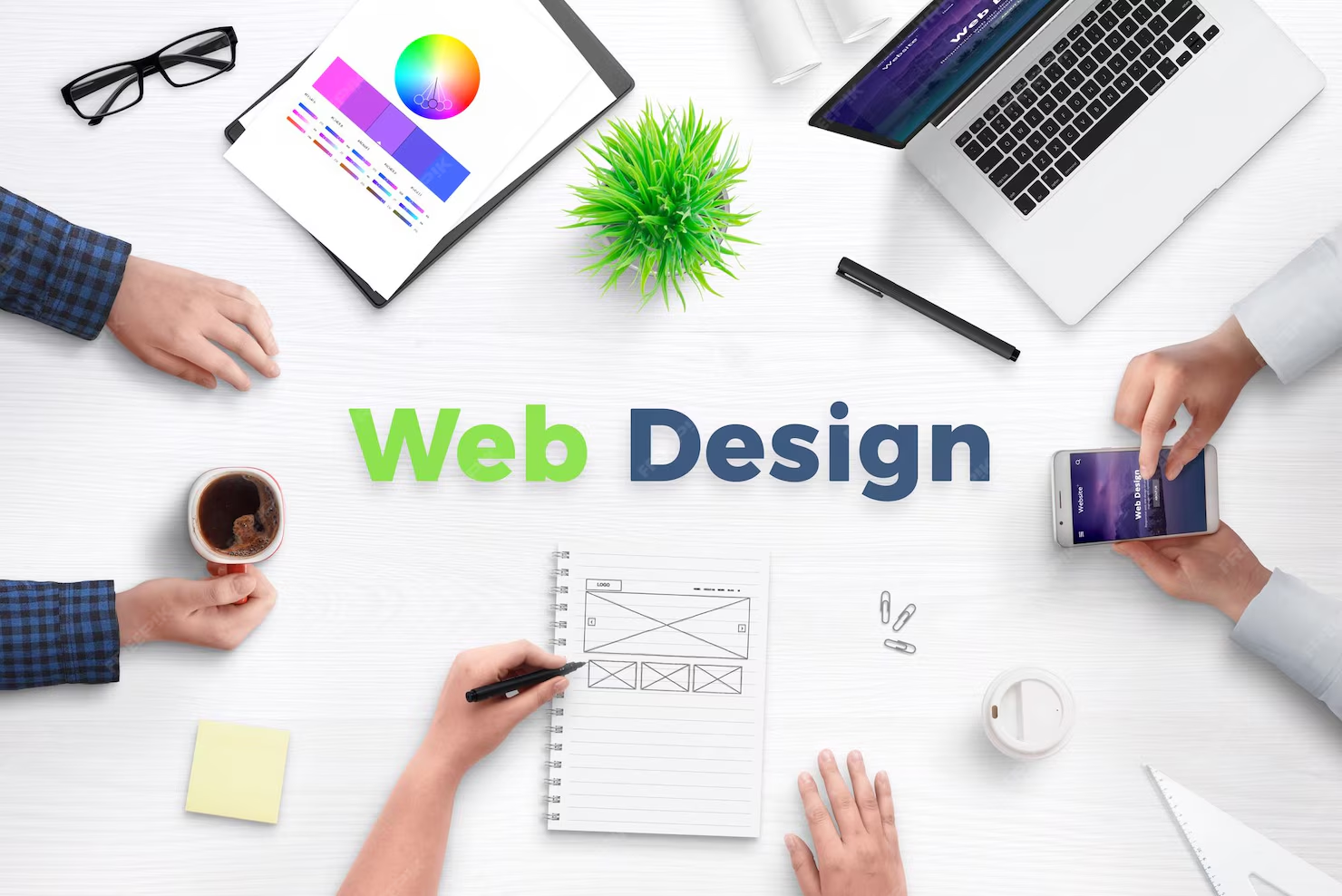
The Basic Front-end Web Designing Course is a comprehensive 18-month training program created for beginners who want to build a strong foundation in web design and front-end development.
This course starts with computer fundamentals, operating systems, and web design basics, ensuring students understand how websites and the internet work. Learners are introduced to professional tools such as VS Code for coding and Adobe Photoshop for web UI design.
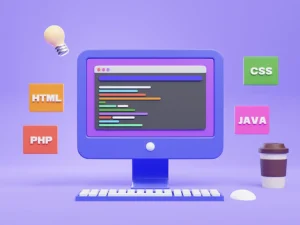
A major focus of the course is on HTML, CSS, and JavaScript, where students learn how to structure webpages, design responsive layouts, and add interactivity using real-world examples and hands-on practice. Students will also gain a basic sense of programming logic to understand how scripts work behind the scenes.
The course includes WordPress training to help students build and manage websites efficiently, making them ready for freelancing and small business projects. Additionally, students are trained to use AI tools like ChatGPT for writing code, designing layouts, generating content, debugging, and improving productivity.
By the end of the course, students will work on live projects, build a professional portfolio, and receive career guidance covering freelancing, internships, interviews, and job preparation. This course is ideal for anyone who wants to start a career in web designing or enhance their digital skills.
You can register:
By visiting the Gluonweb Training Center (offline), or
Through our official website / WhatsApp contact for online enrollment.
After registration, you’ll receive all course details, batch timings, and setup guidance.
134, Banagram, Kamarhati
Nadia, West Bengal
WhatsApp: +91 81673 14997
Email: gluonweb@gmail.com

Before diving into PHP and server-side programming, it’s essential to understand the basic technical concepts that support web development. This first lesson will help you build the right foundation by covering the fundamentals of how computers work and how they interact with you as a user.
HTML is the fundamental markup language used to build web pages.
Using HTML, you can design and develop your own website with ease.
It’s simple to understand and fun to work with!
Language Support: English / Bengali (Bilingual Support Available)
Focus Areas:
HTML, CSS, JavaScript (Heavy Focus)
Responsive Web Design
Photoshop for Web
WordPress
Live Projects
AI Tools (ChatGPT Training)
No prior coding or design experience required
Basic ability to use a computer and internet
A laptop or desktop computer (recommended)
Willingness to learn, practice, and work on projects
Basic understanding of English (reading and typing)
This course is ideal for :
School pass-outs and college students
Beginners who want to start a career in web design
Freelancers and entrepreneurs
Small business owners who want to build their own websites
Graphic designers wanting to move into web design
Anyone interested in learning modern front-end web technologies